Onboarding: Creating A Test Wallet

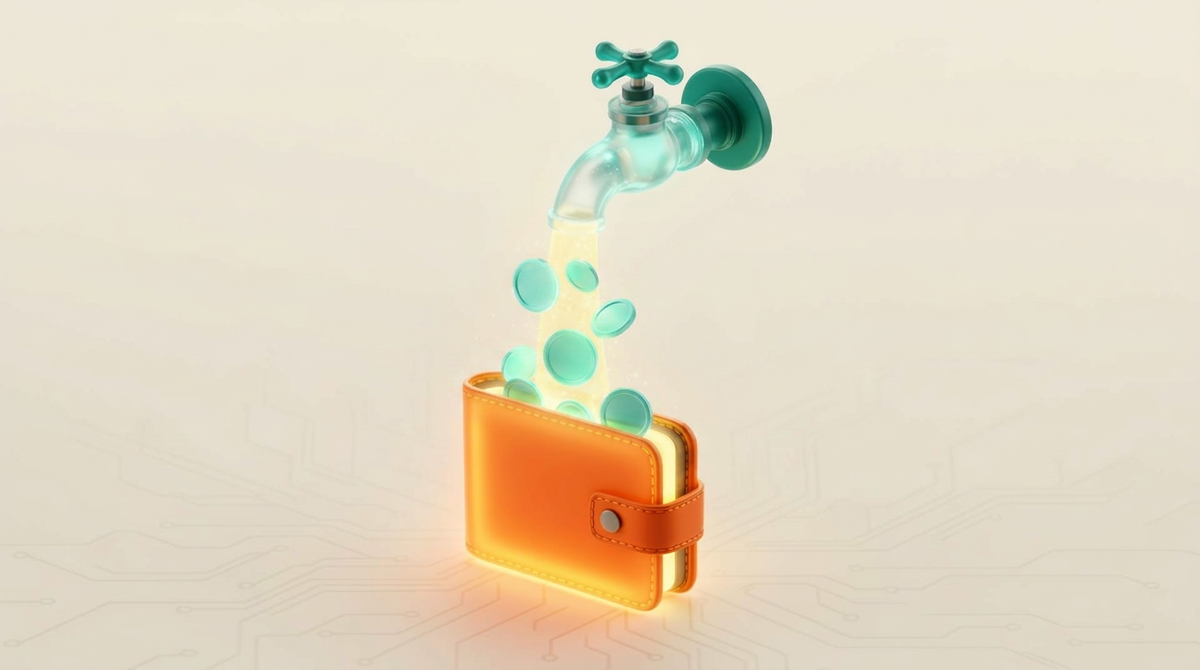
A test wallet lets you try WireMe with zero risk. Test USDC has no real value. You can grab some for free from a faucet and start experimenting right away.
🤑
Need USDC for your test wallet? Grab some for free from the official faucet. Use network "Ethereum Sepolia".
Onboarding Flow
0:00
/0:12
On the Smart Wallet Setup page click the +Add Wallet button to open the wallet selection modal, select Sepolia and then click +Add Wallet.
After onboarding, you'll have two wallets: Base (live) and Sepolia (sandbox). Start with Sepolia to try out WireMe risk free.