Tier 3 Verification: Step-by-Step Guide

Requirements
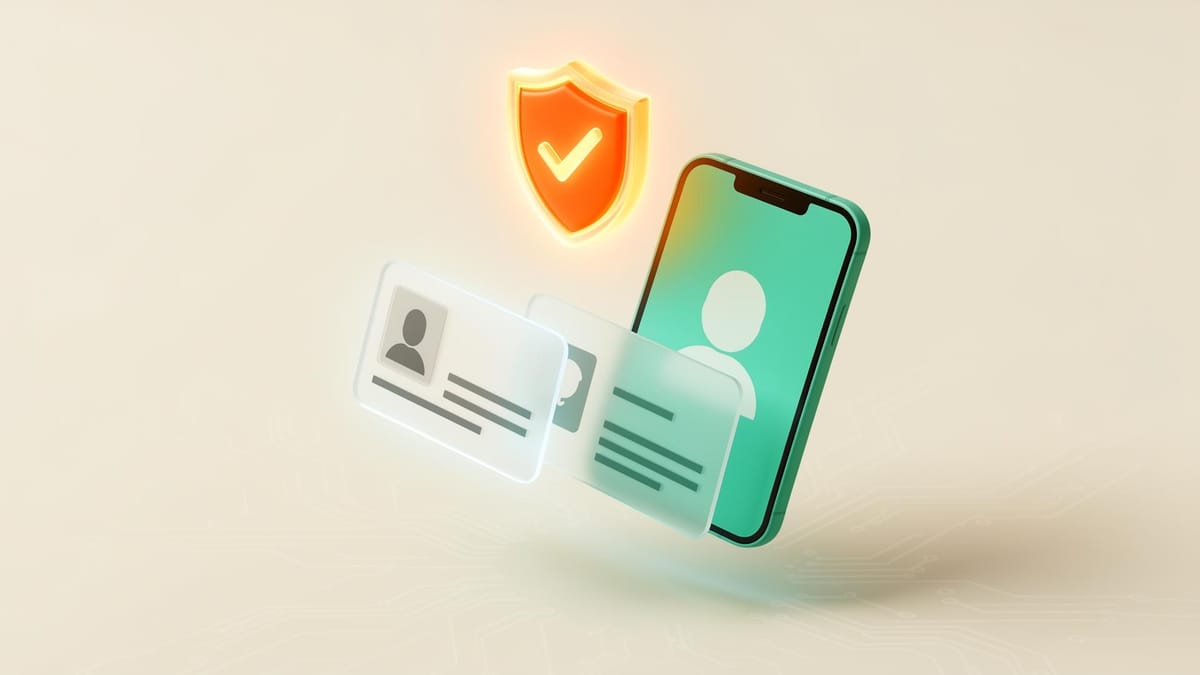
Tier 3 is WireMe's highest verification level and is required for all merchants. To complete it, you'll need a government-issued photo ID (front and back) and a selfie. Once verified, your account is unlocked for the highest transaction volumes on the platform.
Verification Flow
0:00
/1:05
The entire process takes under 5 minutes. Follow the steps below to get verified.
- During onboarding, complete the verification questionnaire and select Tier 3 Verification when prompted.
- Choose the country your ID was issued in and select your document type.
- Before taking your selfie, review SmileID's recommendations on lighting and positioning — following them improves your chances of passing on the first try. Then take your selfie (big smiles 😁).
- Next, photograph the front of your ID, then the back.
- After submitting all three items, you'll see a loading screen while SmileID processes your submission. Results are typically ready within 1–10 minutes. Tap the refresh icon to check your status.
Verification Results
Once your submission is processed, tap View Details to see your verification outcome and review all submitted assets — your selfie, front and back ID photos, and a verification receipt.
Verification Troubleshooting
Running into issues? Check our Verification Troubleshooting Guide for common problems and fixes, or contact support at support@wireme.io.