Install WireMe Directly to Your Home Screen: No App Stores Required

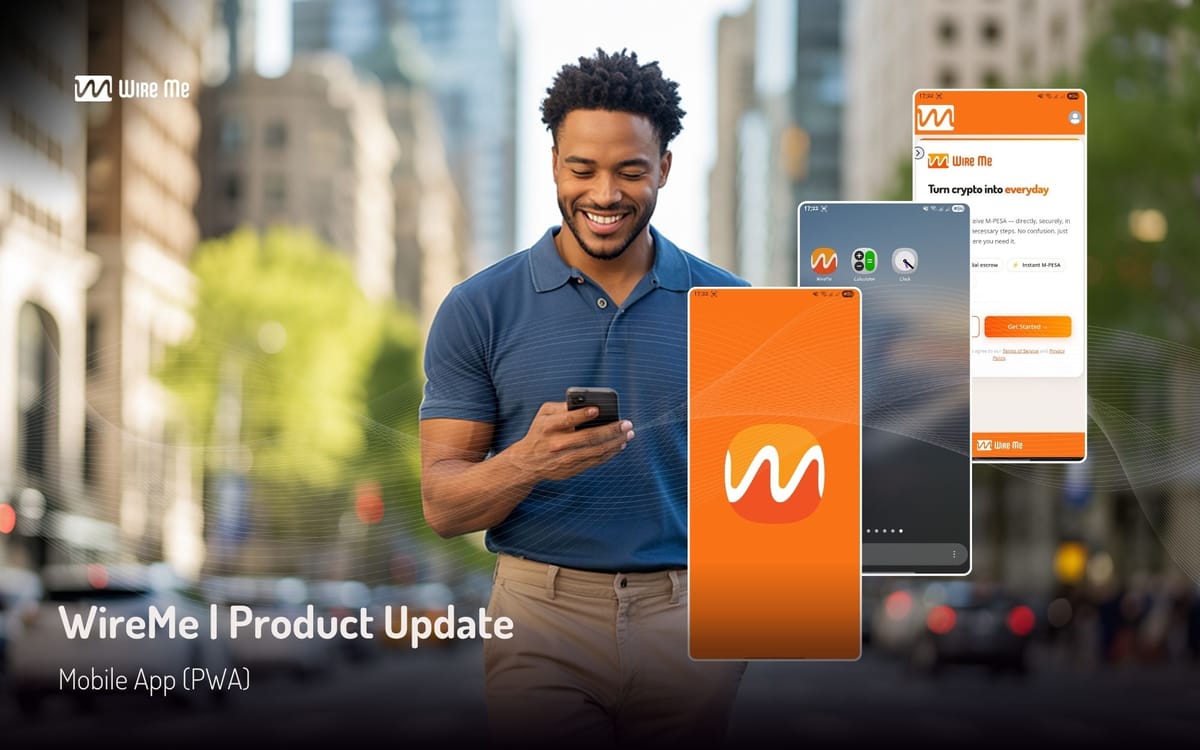
We are incredibly excited to share our latest product update. You can now install WireMe directly onto your smartphone as a lightweight, full-screen mobile application, completely bypassing the Google Play Store and Apple App Store.
This update allows you to place an official WireMe icon directly on your phone’s home screen. When you tap it, the app opens instantly in full-screen mode giving you a clean, fast, and responsive experience without installing an app.
Why We Built This: Bypassing the App Store Gatekeepers
At WireMe, we believe that accessing our app should be easy and convenient. By building a mobile-installable web app, we achieve several major advantages:
- Zero Storage Friction: The app installation takes only a few moments and uses virtually zero storage space on your phone, making it perfect for every everyday Kenyan smartphone.
- Always Up to Date: You never have to manually download updates or wait for app store reviews. Every time we ship a security upgrade or optimize our smart contract escrow, you get the updates instantly.
- Total Privacy and Security: Because the app runs directly through your secure mobile browser, your private keys and transaction data remain securely under your exclusive control.
See How Fast It Installs (Under-a-Minute Demo)
WireMe PWA Installation Demo Video
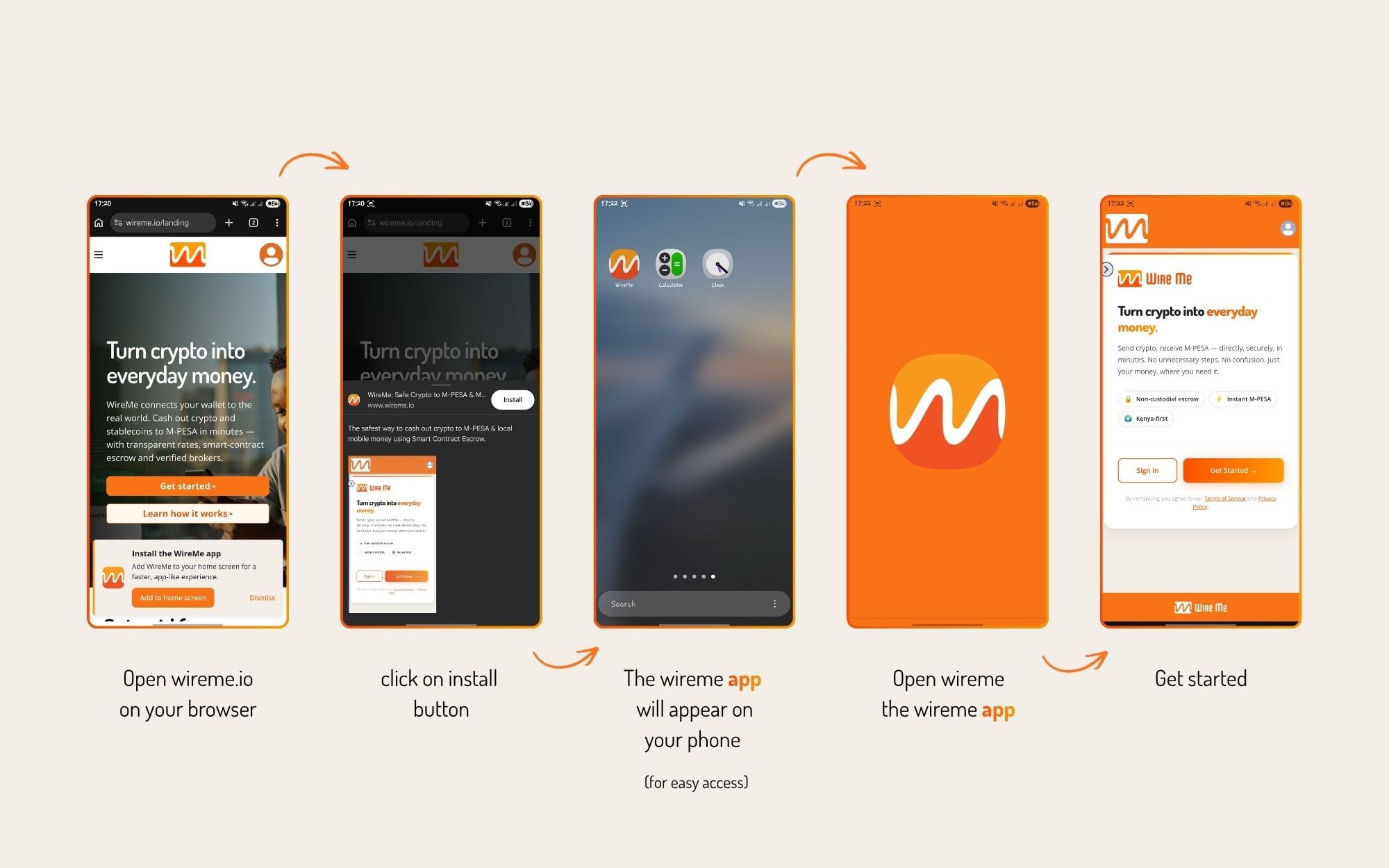
How to Install WireMe on Your Phone in Under a Minute
Installing the app is incredibly simple. You do not need to create an account with Apple or Google, and you do not need to download any external files.
For Android (Chrome or Edge):
- Open your mobile browser and go to wireme.io/app.
- A small banner will pop up at the bottom of your screen saying "Add WireMe to Home Screen."
- Tap that banner, confirm, and you are done. The WireMe icon will instantly appear on your home screen.
- (If you do not see the banner, simply tap the three dots in the top-right corner of Chrome and select "Install app" or "Add to Home Screen".)
For iPhone (Safari):
- Open Safari and go to wireme.io/app.
- Tap the Share button (the square icon with an arrow pointing up at the bottom of your screen).
- Scroll down the menu and tap "Add to Home Screen."
- Tap Add in the top-right corner. The WireMe icon is now live on your screen.
Get Started Today
Whether you are a freelance writer cashing out your weekly retainer or a local broker managing daily liquidity, we want your settlement process to be as frictionless as possible.
By adding the app to your home screen, you are now just one tap away from secure, instant mobile money settlement.
Try it out on your phone today, and let us know what you think of the new full-screen experience!