Your Step-by-Step Onboarding Guide to Wireme

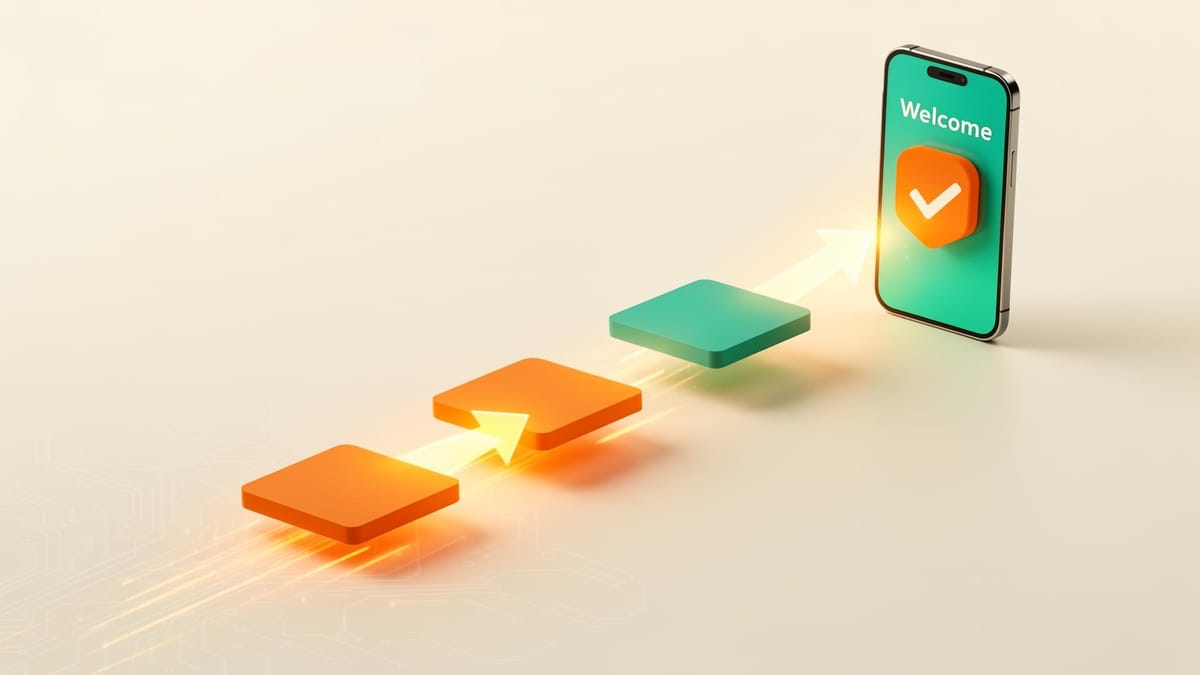
New to WireMe? Here's exactly what to expect when you sign up.
Get Started
Head to the homepage and click the orange Get Started button to open the app. Click Get Started once more to begin a new registration flow.
You may be prompted to complete a ReCAPTCHA before starting the onboarding process.
User Information
Sign in with Google for the fastest setup, or sign in with your email. We'll send you a one-time code to verify your address.
After authenticating, you'll fill in a few basic details: your full name, your M-PESA registered phone number, and a unique username.
If you plan to operate as a merchant, check the "Are you a Merchant?" checkbox. You can always upgrade your account type later.
Verification (KYC)
To keep the platform safe, all users complete a short identity verification before transacting. You'll answer a few yes/no questions about the documents you have on hand. WireMe uses your answers to recommend the right verification tier for you.
There are three tiers to choose from. Tier 1 is the quickest way to get up and running. Tier 3 unlocks the highest volumes for power users. Tier 3 is required for merchants.
Not sure which to pick? Start with Tier 1. You can upgrade anytime.
Wallet Setup
WireMe uses smart contract wallets to hold funds securely. On this screen, you'll see the wallets we've set up for you. By default, we create a Base wallet, which is all most users need to get started.
Each wallet supports USDC, USDT, and ETH on its respective network.
Base is WireMe's primary network and uses real funds. Sepolia is a testnet — it works exactly like Base but with no real money involved. If you're new to crypto or just want to explore before committing, add a Sepolia wallet and try the platform risk-free.
You can add wallets for additional networks using the + Add Wallet button. We currently support Base and Sepolia, with Binance Smart Chain and Tron coming soon.
When you're happy with your setup, click Next to continue.
Summary
Before you finish, take a moment to review your details — your name, phone number, username, Verification tier, and selected wallets. Once everything looks right, click Submit Onboarding.
Upon submission, your smart contract wallets will be deployed on your selected networks and you'll be taken to your Wallets page, ready to make your first transaction.
Welcome to WireMe. We're glad you're here.